Bleep Out Words in Video Without CapCut, iMovie, or Premiere Pro
You need to bleep a few words in a video. Every tutorial tells you to use CapCut, iMovie, or Premiere Pro. But you don't want to learn video editing software just to add some bleeps.
There's a faster way.
The Problem with Video Editors
To bleep words in CapCut, iMovie, or Premiere, you have to manually scrub through your video, find each word, cut the audio at the exact moment, import a bleep sound, and position it precisely. Repeat for every word, then export the whole video.
Time for 10 words: 30-60 minutes
The Faster Alternative
Our free bleeping tool uses AI to find words automatically:
- Drop in your video
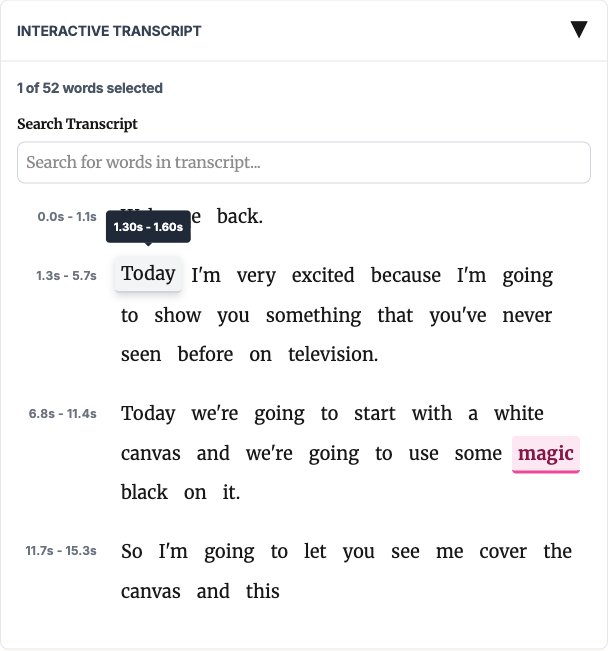
- AI transcribes every word with timestamps
- Click words to bleep (or apply a word list)
- Download
Time for 10 words: 3-5 minutes

How It Works
Upload and Transcribe
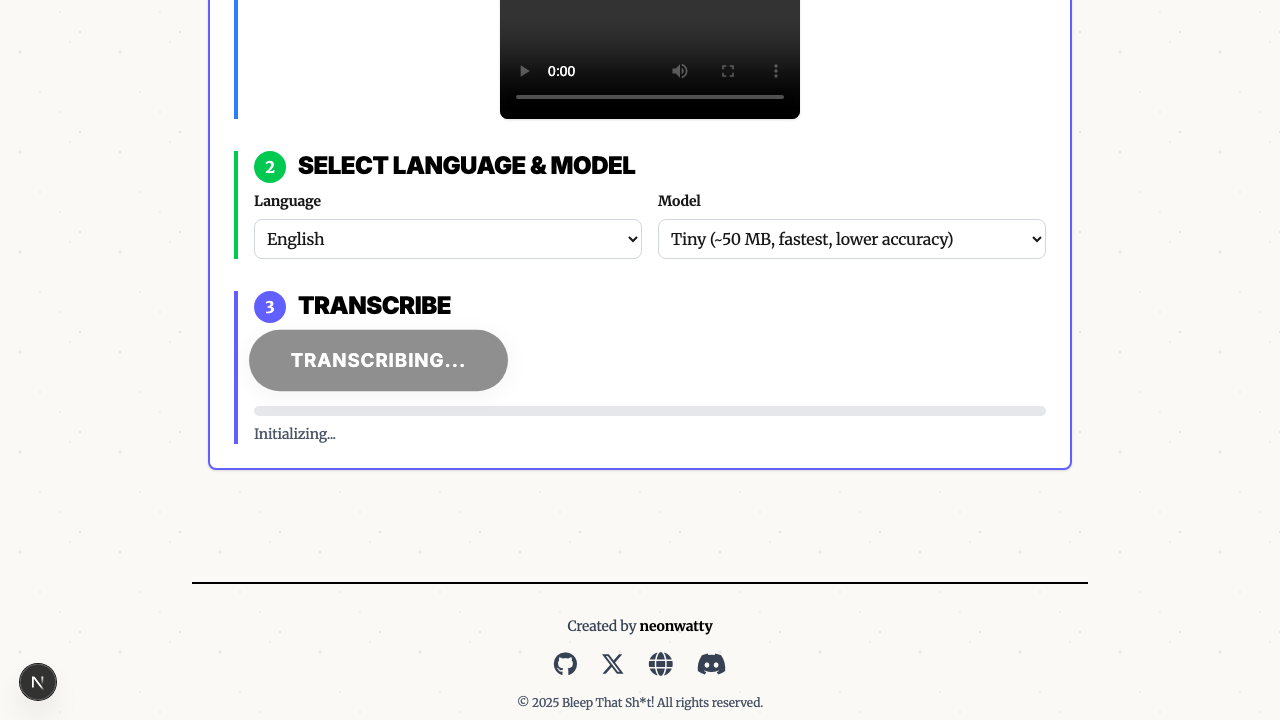
Drag your MP4 or MP3 into the browser. Click "Transcribe" and AI creates a word-by-word transcript.

Select Words
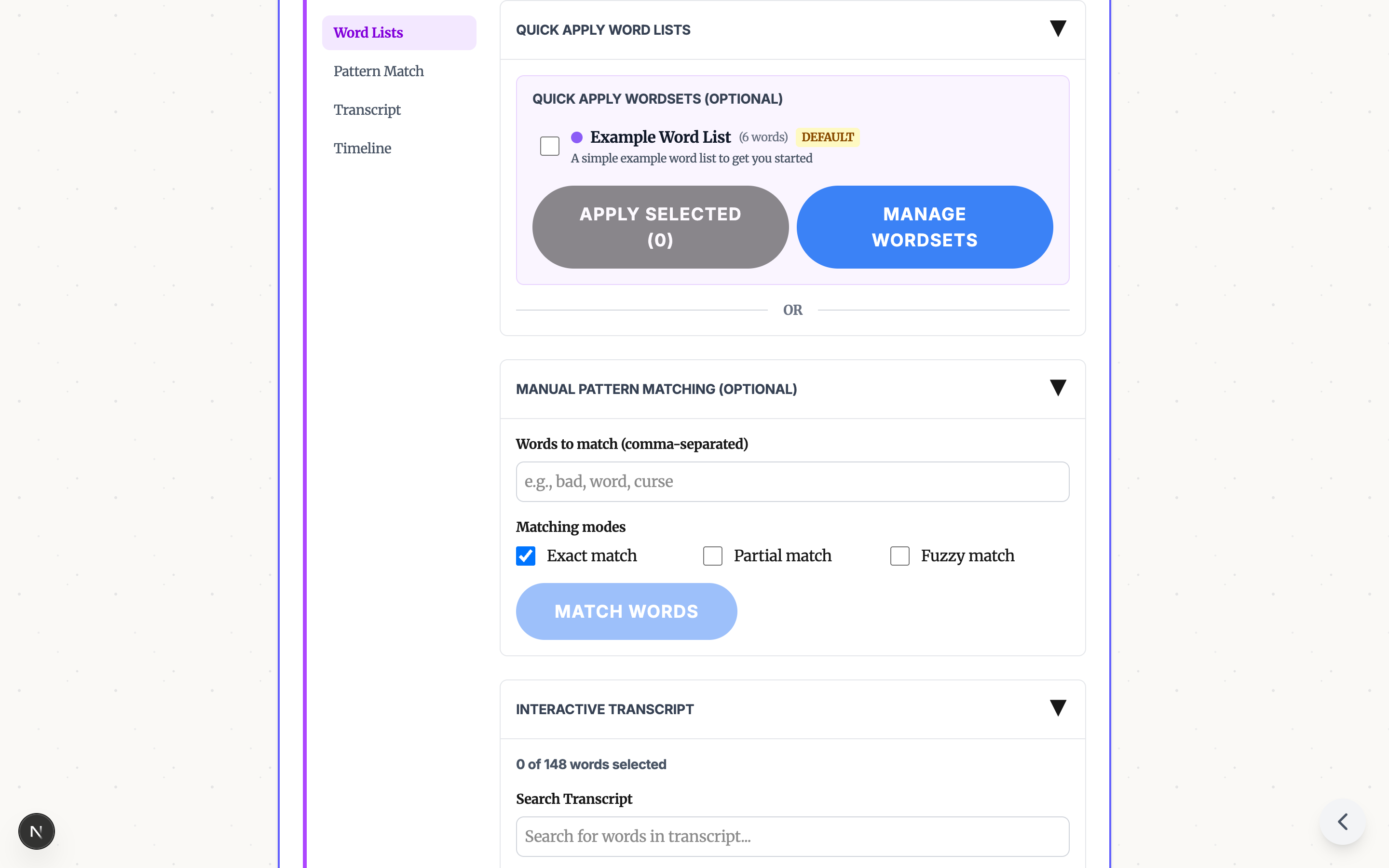
Word Lists - One click catches all common profanity.

Click to Select - Tap any word in the transcript. Pink = bleeped.
Pattern Match - Find all instances of a word, including variations.

Download
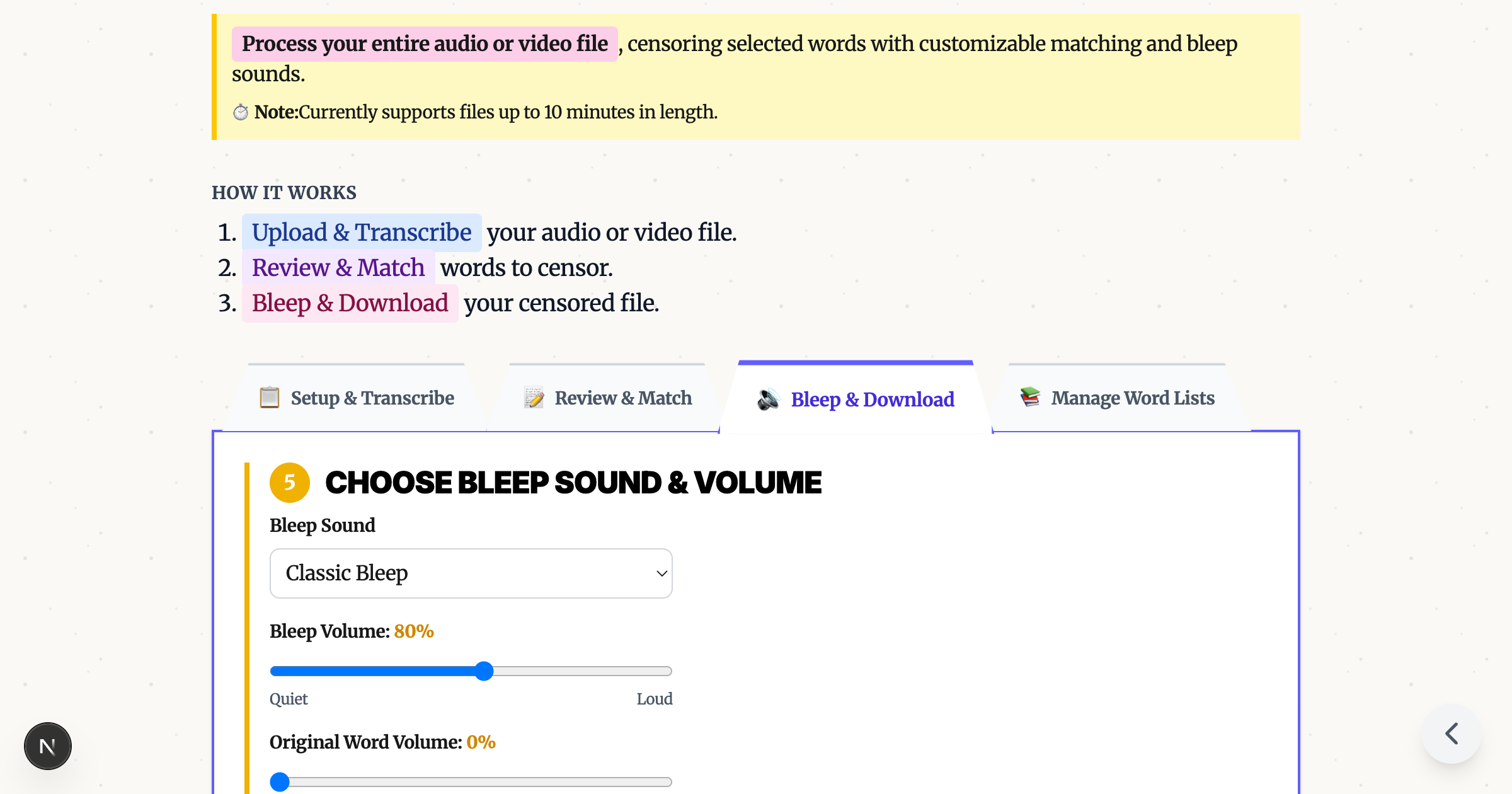
Pick a bleep sound (classic tone, brown noise, or fun sounds), apply, and download.

Privacy Bonus
Your video never leaves your device. Everything runs in your browser - no upload to any server.
Try It Now
Drop your video, click the words, download. Done.
Ready to Bleep Your Content?
Try our free in-browser tool - no uploads required, 100% private processing.
Bleep Your Sh*t!Related Articles
How to Bleep Out Words in Any Video (Free, No Download)
Bleep out swear words in any video for free. No download or signup required. Upload, select words to censor, and export in seconds.
How to Censor Videos on Chromebook (No Install Required)
Bleep out words in videos on any Chromebook - including school-managed devices. Free browser tool, no download needed.
Censor Audio and Video Online Free: No Software Required
Free browser-based tool to bleep out words in videos. No download, no signup, no upload to servers. Works on any device with complete privacy.